
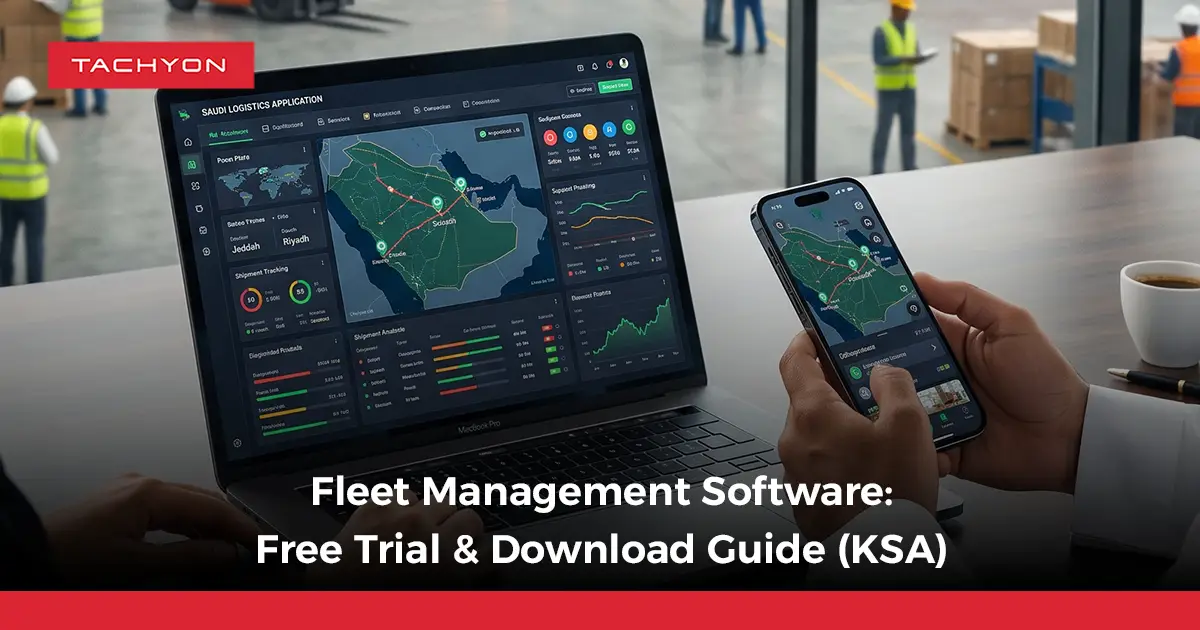
Searching for a fleet management software download does not always mean installing a complete program on one computer. Modern fleet solutions may combine cloud access, mobile apps, integrations, and controlled trial environments.
A fleet software free trial helps businesses evaluate real fleet workflows, vehicle visibility, maintenance, driver activity, and reporting before committing to a wider rollout.
What Does Fleet Management Software Download Mean Today?
A fleet management software download can describe different ways of accessing fleet technology, depending on whether the solution is desktop-based, cloud-based, mobile, or provided through a controlled trial environment.
- Cloud Platform Access: Users access the main fleet platform through a browser without installing it on every workstation.
- Fleet Manager App: Managers can monitor vehicles, drivers, alerts, and fleet activity while away from the office.
- Driver Mobile App: Drivers use mobile tools for assigned tasks, updates, documents, and field communication.
- Desktop Software: Some systems still require locally installed software to process or store fleet information.
- Trial Environment: Enterprise platforms may provide controlled access to selected modules for evaluation.
- Demo Account: Decision-makers can explore workflows before connecting real vehicles, users, or operational data.
- Integration Access: Testing may include GPS, ERP, fuel, or other system connections instead of another software installation.
Fleet Software Download vs Cloud Platform: What Is the Difference?
| Comparison Area | Desktop Fleet Software | Cloud Fleet Platform |
| Installation | Usually installed on specific computers or servers. | Main platform is accessed online without full workstation installation. |
| Access | Often linked to configured devices or internal networks. | Authorized users can access the system from supported internet-connected locations. |
| Updates | May require local updates or technical maintenance. | Platform updates are generally managed centrally by the provider. |
| Multi-Location Use | Additional configuration may be required for different offices. | Better suited to teams working across branches and operating locations. |
| Mobile Operations | Mobile functionality may require separate applications. | Can work alongside dedicated manager or driver mobile apps. |
| Scaling Users | New users or devices may require additional setup. | User access can usually be expanded within the platform configuration. |
| Best Fit | Operations with specific local infrastructure requirements. | Fleets needing shared data, remote access, and connected operations. |
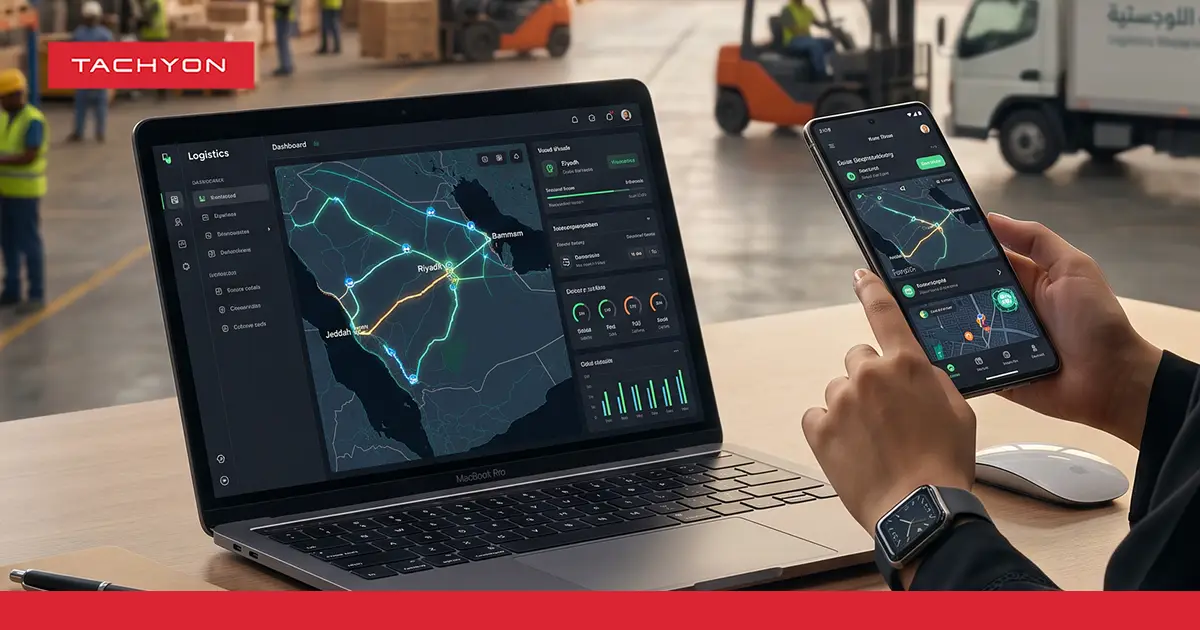
Tachyon positions its main logistics environment as cloud-based, meaning businesses access the platform digitally rather than installing the full solution separately on every workstation.
What Should You Confirm Before Starting a Fleet Software Trial?
- User Access Requirements: Identify which fleet managers, dispatchers, drivers, maintenance teams, and administrators need access.
- Fleet Size: Select enough vehicles to create a realistic test without making the pilot unnecessarily difficult to manage.
- Vehicle Types: Include representative trucks, vans, trailers, or specialist assets if their workflows differ.
- Operational Locations: Include multiple locations when branches or regions operate under different conditions.
- Existing Data Sources: Identify GPS platforms, ERP systems, fuel records, spreadsheets, and other sources that may require integration.
- Main Operational Problems: Define whether the trial should focus on visibility, maintenance, fuel, drivers, expenses, or another priority.
- Trial Duration: Allow enough operational activity to produce meaningful results rather than evaluating the platform after only limited use.
- Success Criteria: Define what the solution must improve before management approves a wider deployment.
Which Fleet Workflows Should You Test First?
1. Vehicle Location and Movement
Test whether managers can clearly see vehicle activity and investigate stops, delays, or route deviations.
Connected gps fleet tracking should provide operational context rather than only showing vehicle locations on a map.
2. Driver and Vehicle Assignment
Check whether vehicles and drivers can be assigned according to real operational responsibilities without excessive manual coordination.
3. Fuel Monitoring
Review whether the system organizes fuel information clearly enough through dedicated Fleet Fuel Management tools to identify abnormal consumption patterns or vehicles requiring investigation.
4. Maintenance Scheduling
Test service dates, maintenance history, alerts, and vehicle availability using realistic fleet records.
A connected fleet maintenance software workflow should help teams act before maintenance issues create avoidable downtime.
5. Vehicle Expense Tracking
Enter realistic fuel, service, repair, and vehicle-related expenses to determine whether total fleet costs remain easy to review.
6. Driver Performance Monitoring
Check whether driver activity and metrics in a Driver Safety Scorecard help managers identify behavior that requires coaching, investigation, or follow-up.
7. Documents and Expiry Dates
Test vehicle and driver records with renewal dates to confirm that important documents remain organized and visible before expiry.
What Data Should You Prepare Before Testing Fleet Management Software?
- Vehicle Records: Prepare vehicle IDs, categories, registration details, and other essential asset information.
- Driver Information: Add representative driver profiles and assignments required for the test.
- Maintenance History: Include previous and upcoming service records when maintenance is part of the pilot.
- Fuel Information: Prepare realistic fuel transactions or usage data when fuel monitoring will be tested.
- Operational Expenses: Add representative costs so reporting and financial visibility can be evaluated.
- Location Data: Connect relevant tracking information when vehicle visibility is included in the trial.
- Documents: Add selected vehicle and driver documents to test storage, retrieval, and expiry monitoring.
- Historical Performance: Keep previous fleet KPIs available so results can be compared with the existing process.
How Should a Fleet Software Free Trial Be Structured?
1. Define the Operational Problem
Document the issues the current fleet process creates, such as fragmented costs, weak vehicle visibility, or delayed maintenance information.
2. Select a Representative Fleet Sample
Choose enough vehicles and drivers to reflect daily operations while keeping the pilot manageable.
3. Configure Real Business Rules
Use realistic vehicle data, maintenance intervals, roles, alerts, and operating rules instead of relying entirely on demo settings.
4. Run Daily Fleet Activities
Let selected users complete their normal activities through the system rather than simply exploring the interface.
5. Record Trial Issues
Document manual steps, integration gaps, missing information, or functions users find difficult to understand.
6. Compare Results With the Baseline
Measure changes in visibility, administrative effort, response time, data quality, and relevant fleet KPIs.
7. Define Requirements Before Rollout
Identify configuration, training, integrations, and workflow changes required before adding the wider fleet.
Who Should Participate When You Try a Fleet Management System?
- Fleet Managers: Evaluate vehicle visibility, utilization, costs, and overall fleet control.
- Dispatch Teams: Test whether vehicle and driver data improves daily coordination.
- Drivers: Review mobile workflows and the ease of completing required tasks in the field.
- Maintenance Teams: Confirm that service schedules and maintenance information reflect actual workshop processes.
- Finance Teams: Review fleet expenses and the data required for financial reconciliation.
- IT Teams: Test integrations, permissions, access controls, and technical requirements.
- Operations Leadership: Evaluate whether the system produces information that supports stronger operational decisions.
What Should You Test in a Fleet App Download?
1. Login and User Roles
Confirm that each user receives access to the functions required for their role without unnecessary data exposure.
2. Mobile Visibility
Check whether important vehicle, driver, or trip information remains clear on a mobile screen.
3. Field Updates
Test whether users can submit operational updates without returning to the office or depending on calls and messages.
4. Notifications
Confirm that important alerts reach the correct users without generating excessive low-value notifications.
5. Connectivity Conditions
Test how the application performs under the network conditions that drivers normally experience.
6. Driver Workflow
A connected delivery driver app should support communication and operational updates while drivers are working away from the main platform.
Which Integrations Should Be Tested Before Fleet Rollout?
- GPS and Telematics: Confirm that vehicle information enters the platform correctly and remains connected to the right assets.
- ERP or Accounting: Test financial or master-data exchange when fleet expenses connect with wider business systems.
- Fuel Systems: Validate fuel integrations when cards, stations, or external fuel data sources are used.
- IoT Devices: Confirm that connected sensors provide usable operational information rather than isolated raw data.
- Transport Platforms: Check that FMS and TMS workflows can share vehicle and driver information without unnecessary duplication.
- APIs: Identify which information can move automatically between systems and what still requires manual entry.
- User Permissions: Verify that system integrations do not expose information beyond each user’s responsibilities.
How Can You Tell Whether the Trial Is Actually Successful?
- Faster Information Access: Fleet managers spend less time collecting vehicle data from different people or systems.
- Better Fleet Visibility: Vehicle activity and important exceptions become easier to understand from one environment.
- Improved Maintenance Planning: Upcoming service requirements can be identified without repeatedly checking separate records.
- Clearer Cost Visibility: Fuel, maintenance, vehicle, and driver expenses become easier to analyze.
- Less Manual Data Entry: Teams spend less time duplicating the same information across different systems.
- Useful Alerts: Notifications highlight situations requiring action instead of generating constant background noise.
- Higher Data Accuracy: Structured workflows make fleet information more consistent and easier to manage.
- Positive User Adoption: Managers, drivers, and operational teams can complete their required tasks without unnecessary complexity.
- Reliable Integrations: Connected systems exchange the required information consistently during normal operations.
- Scalable Processes: Workflows remain manageable when additional vehicles, users, drivers, or branches are added.
What Trial Red Flags Should Stop a Fast Fleet Rollout?
- Repeated Manual Data Entry: Users continue entering information that already exists elsewhere.
- Unclear Vehicle Status: Fleet managers struggle to identify what is happening or what requires attention.
- Excessive Alerts: Low-value notifications make important events more difficult to identify.
- Weak Mobile Adoption: Drivers or field users struggle to complete essential tasks through the app.
- Incomplete Integrations: Important GPS, fuel, finance, or operational data remains disconnected.
- Unclear Responsibilities: Teams do not know who should respond when the system identifies an issue.
- Low-Value Reporting: Dashboards show many metrics without answering important fleet management questions.
- Difficult Expansion: Adding vehicles, users, locations, or workflows requires excessive manual configuration.
How Does TachyonFMS Fit the Download and Trial Search Intent?
TachyonFMS differs from traditional options like a Fleet Management Software Download. Built on modern logistics automation software, it is a cloud-based fleet management system designed to centralize vehicle and driver management alongside maintenance, fuel, expenses, and other fleet activities.
1. The Main Platform Does Not Require Traditional Installation
The primary Tachyon environment is cloud-based, allowing business users to access the platform without installing the complete system on every workstation.
2. Mobile Access Supports Field Operations
Mobile applications can keep drivers and other field users connected with operational workflows while away from the main dashboard.
3. Demo or Trial Access Can Match Business Requirements
Tachyon’s public FAQ explains that demo or trial environments can depend on operational requirements, selected products, user numbers, and the required trial duration.
Try the Fleet Workflow Before You Roll It Out
A fleet management software download should begin the evaluation process rather than complete it. Whether the system is accessed through the cloud, a mobile app, a demo, or a trial environment, real fleet workflows should be tested before full deployment.
The better approach is to try fleet management system workflows using representative vehicles, drivers, maintenance data, and operational users, then evaluate measurable improvements before scaling.
FAQs About Fleet Management Software Download and Trials
1. Can I Download Fleet Management Software?
It depends on the platform. Some fleet solutions provide locally installed applications, while others use cloud dashboards, mobile apps, or a combination of access methods.
2. Does Cloud Fleet Management Software Need to Be Installed?
The main web platform normally does not require traditional workstation installation, although mobile apps, GPS devices, and integrations may still need setup.
3. What Is a Fleet Software Free Trial?
A fleet software free trial gives a company temporary access to selected software functions before it makes a wider purchasing or deployment decision.
4. What Should I Test First in Fleet Management Software?
Start with the operational areas connected to your main business problem, such as vehicle tracking, fuel, maintenance, driver management, costs, or reporting.
5. Is a Fleet App the Same as Fleet Management Software?
Not always. A mobile fleet app may provide selected functions, while the main platform can include broader administration, integrations, reporting, and configuration.
6. How Long Should I Try Fleet Management Software?
The trial should last long enough to evaluate representative vehicles, drivers, workflows, integrations, and performance under normal operating conditions.
7. Does TachyonFMS Offer a Downloadable Free Trial?
Tachyon’s public information does not currently position TachyonFMS as a self-service downloadable desktop trial for its Fleet Management System. Demo or trial environments can instead be provided according to business requirements.
8. What Should Happen After the Fleet Software Trial?
Compare the trial with the original success criteria, document workflow and integration gaps, identify required changes, and decide whether the system is ready for wider deployment.
